Use PhotoPills to Save Photography Locations for later

For a long time, I’ve used Google Maps to remember locations I’ve photographed or places I planned or scouted to shoot in the future. I tried organizing everything using custom map layers, country-based lists, and wishlists.
Honestly, it became messy.
Separating photography locations from travel spots and general notes was difficult, and Google Maps’ note system simply isn’t built for serious photo planning.
That’s where PhotoPills App comes in.
PhotoPills is designed specifically for photographers, and it allows you to keep all your photo-planning information in one place, locations, plans, reference images, and notes.
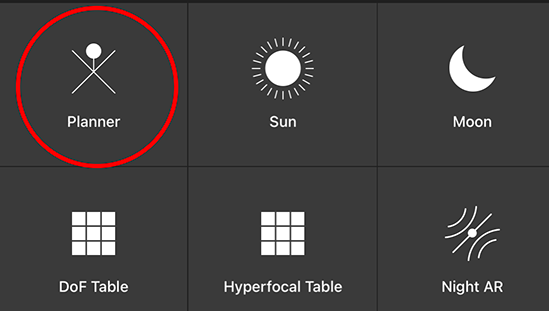
1. In the App pick the Planner.
2. Place the location you would like to save
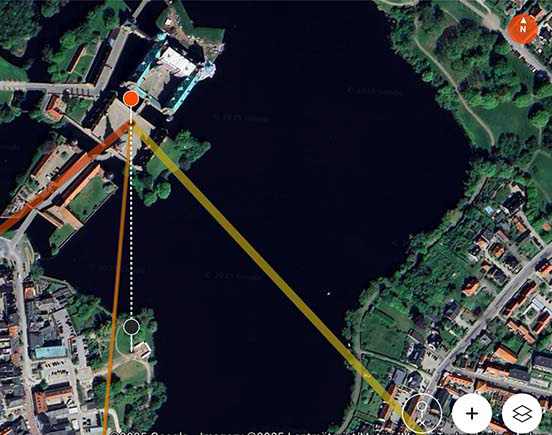
3. Tap Save

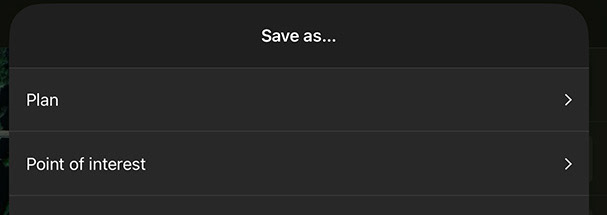
4. Save as either point or as a plan
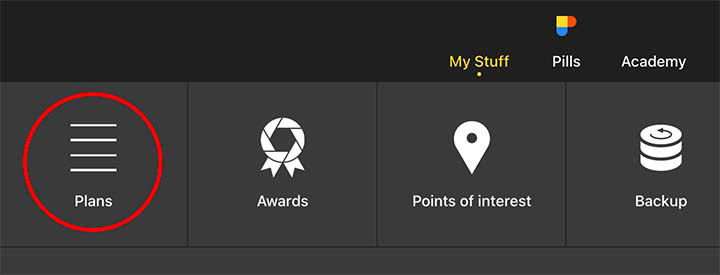
5. Now you can find your plan or point under My stuff
The best part?
You can attach images and notes to each plan perfect for reference shots, scouting images, or photos you’ve already taken at the location.
Check out PhotoPills. It’s a paid app, and I’m not affiliated with it in any way other than being a frequent user.
Link: https://www.photopills.com